Online ordering from your own website. You keep every cent.
OpenFork takes pickup orders through a button on your website and sends the money straight to your own Stripe account. There is no commission and no per-order fee: a $30 order pays you $30.
How it works
Three parts: a button on your website, a menu your customers order from, and a screen in your shop where you confirm each order.
Customers order from your site
Two lines of code add an ordering button to any website: WordPress, Wix, Squarespace, Shopify or plain HTML. There is also a direct link for your Google Business Profile and Instagram. Customers do not download anything.
You confirm on a tablet
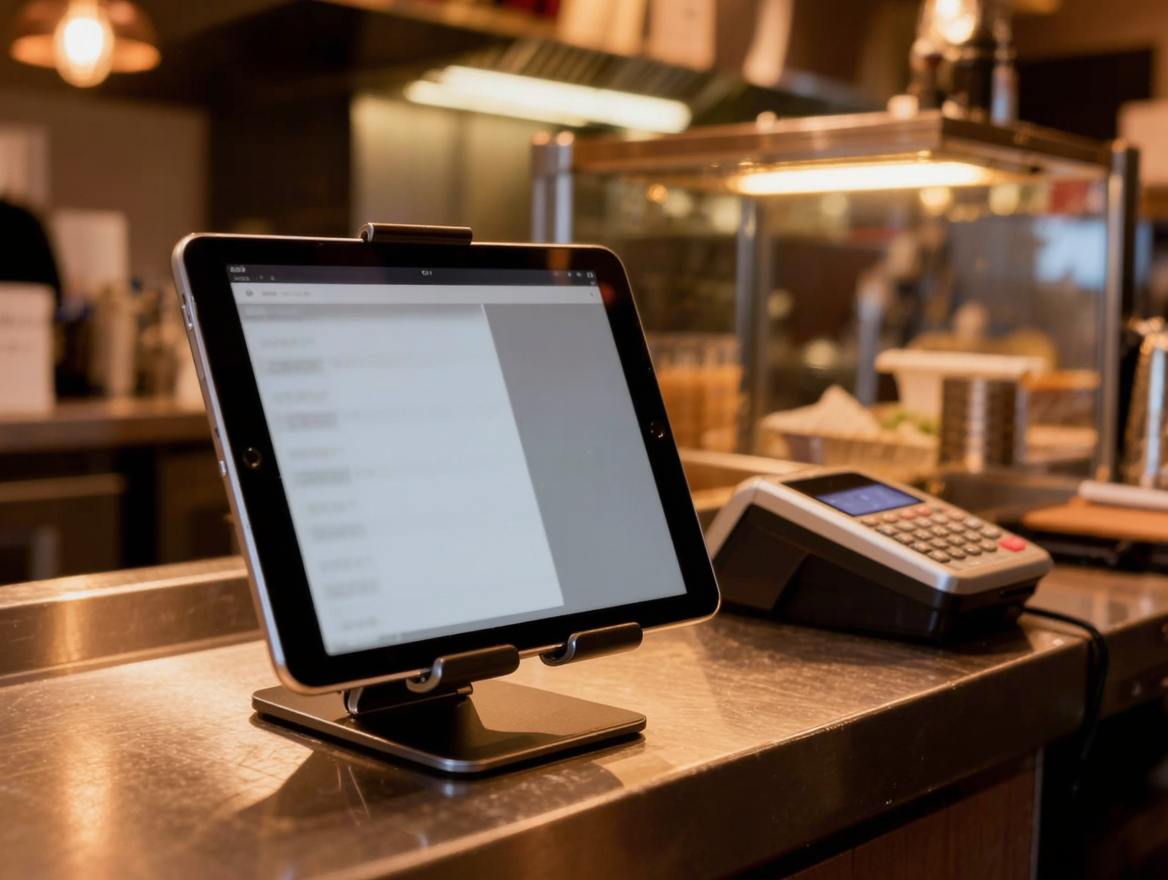
New orders appear instantly on any tablet or phone, with a chime that repeats until someone responds. Tap accept and choose a pickup time, and the customer gets an email confirming it.
Money goes straight to you
Online payments are direct charges on your own Stripe account. The card is only charged when you accept the order. Reject it and the customer is never charged.
An order screen that does not let orders slip
Missed orders cost money and trust, so OpenFork is built around not missing them.
✓Connection is monitored
The screen reports in every few seconds. Your dashboard shows plainly whether it is connected right now.
✓A text message as backup
If an order arrives while no screen is connected, or nobody confirms it in time, OpenFork texts a phone number you choose.
✓No charge without a confirmation
A card is only charged when you accept. An order that was never confirmed never takes a customer's money.
Everything you manage yourself
Your own dashboard, no technical knowledge needed. Change something and it is live on your ordering page immediately.
Menu editor
Categories, items, photos, sizes and reusable choice groups. Build a "Meat type" group once and attach it to every item that needs it. Mark anything sold out with one tap.
Opening hours
Different hours per day, late trading past midnight, public-holiday closures, and a pause switch for when the kitchen is slammed.
Order-ahead rules
Let customers order for later. You set the minimum notice and how many days ahead they can book.
Your look
Upload your logo, a hero image, category banners and item photos so the ordering page looks like your restaurant, not ours.
Reports
Sales by day, best sellers, average order value, and new versus returning customers, over 7, 30 or 90 days.
GST handled
Prices are GST-inclusive the way Australian menus are, with the GST portion shown on every order.
Installed in minutes, on the website you already have
This is the entire installation. Paste it where you want the button, or send it to whoever looks after your website. If you are moving from GloriaFood, OpenFork recognises your existing button code too.
Start free trialWhat it costs
One price, whether you take ten orders a month or ten thousand. No commission, no per-order fee, no setup fee, and no lock-in contract — cancel whenever you like.
- Free for 30 days. No credit card needed to start.
- Unlimited orders, menu items and staff logins.
- Order screen, promotions and customer emails included.
- Card processing is billed to you directly by Stripe at their standard rates, the same as any card terminal. OpenFork never takes a cut of your takings.
Get your restaurant on OpenFork
Start with 30 days free — no credit card. Email us and we will set up your account, enter your menu with you, connect your Stripe account, and stay on the phone for your first live order.
Create your account